AI product photography for D2C brands: what to generate, and what you still need to shoot
AI can put your product on a beach, a marble counter or a Diwali table in minutes. It can’t be trusted to draw the product itself. Here’s how we split the work.
Quick summary
- Shoot the product once, properly: clean packshots on plain backgrounds are the raw material for everything AI does later.
- Generate scenes, backgrounds and props, never the product, label or logo.
- Composite the real packshot into the generated scene and match light and shadow by hand.
- Run every image through a zoomed-in check for label text, shape, hands and reflections before it goes live.
Summary by Anisha. Prefer an AI take? Ask Google AI to summarise it (opens in a new tab).
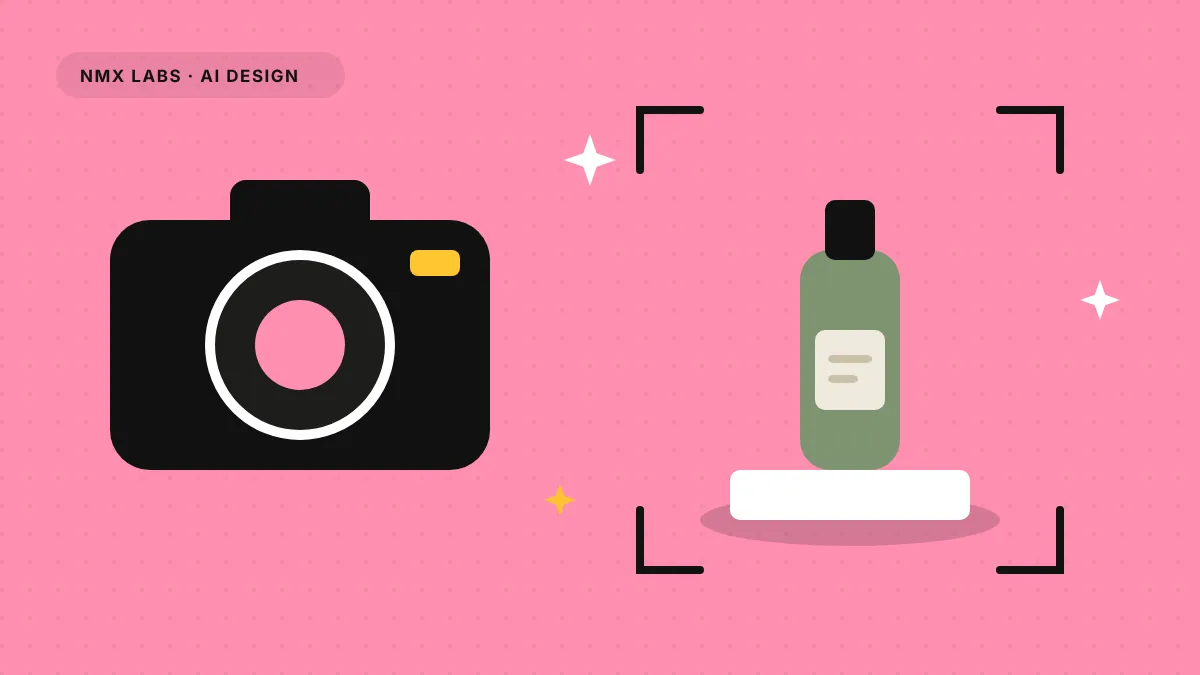
Every D2C founder we work with has tried it: upload a product photo to an image generator, ask for “luxury lifestyle shot”, and get something that looks like an ad. Then they zoom in. The bottle has a slightly different neck. The label says something close to the brand name. The ingredients list has turned into decorative squiggles.
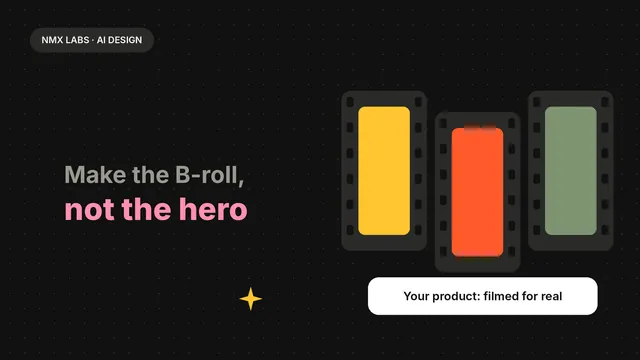
That’s the whole problem with AI product photography in one picture. The scene is often good. The product is often wrong. So we split the job in two: the product is always photographed, and the world around it can be generated.
What to shoot (once, properly)
Before any AI work, every SKU needs a small set of honest photographs. This is the cheapest shoot you will ever book, because it doesn’t need a set, a model or a stylist.
- Front, back and three-quarter packshots on a plain white or light grey background, high resolution, evenly lit.
- Every variant and pack size, including combo packs and festive sleeves you sell regularly.
- A detail shot of the label, so text stays sharp when you crop in.
- Texture shots for anything where feel matters: a cream swatch, a fabric weave, a spice blend.
- One “in hand” shot with a real hand, for scale.
Marketplaces want clean packshots for the main listing image anyway, so this shoot pays for itself before you generate a single scene.
“Sketches, drawing or graphical representations. Only photos are allowed.”
What AI does well
Where AI earns its keep is the part that used to need a set builder and a location:
- Backgrounds and surfaces. Terrazzo, teak, linen, a bathroom shelf, a kitchen counter in morning light.
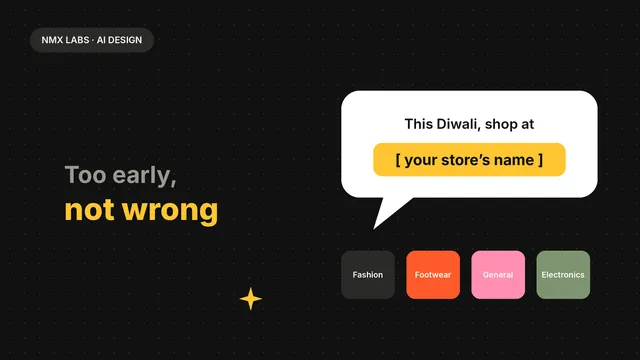
- Seasonal worlds. Diwali diyas, monsoon windows, a wedding-season gifting table, without a new shoot each festival.
- Props and context. Ingredients, a coffee cup next to a skincare jar, leaves around a candle.
- Aspect-ratio extensions. Turning a square scene into 4:5 for Feed and 9:16 for Reels without awkward cropping.
- Cleanup. Removing dust, a stray reflection or a crease in the backdrop.
The workflow we use
- Brief the scene, not the product. Describe the surface, the light direction, the mood and where the product will sit. Leave an empty space for it.
- Generate with references. Use the brand’s own photography and colours as style references. Text-only prompts drift toward the look every other brand is getting.
- Composite the real packshot into the scene in Photoshop. The product layer is the photograph, untouched apart from colour correction.
- Match the light by hand. The shadow under the product must fall the same way as every other shadow in the scene. Relight tools help; a designer still checks.
- Set all text as live type. Prices, offers and headlines are never generated. This matters even more for Hindi and other Indic scripts, where generated lettering is usually broken.
- Save layered files. When the MRP changes next month, it’s a five-minute edit.
The check before anything goes live
AI mistakes are confident mistakes, so every image is reviewed at 100% zoom against a short list:
- Is the product exactly the product: shape, cap, colour, label?
- Is every word on the pack readable and correct?
- Do shadows and reflections agree with the light?
- Are hands, fingers and faces anatomically right?
- Does the scene imply anything untrue, such as an ingredient that isn’t in the product or a size it isn’t?
The last point is the one founders miss. A generated bowl of almonds next to a body lotion reads as “contains almond”. If it doesn’t, that’s a misleading image, not a styling choice.
When to skip AI and book a shoot
Some images are still better photographed for real:
- People using the product. We don’t generate customers. If an ad shows someone applying a serum, it’s a real person who agreed to be in it.
- Food that people eat. Texture, steam and the way a sauce coats a spoon are hard to fake convincingly, and viewers notice.
- Hero campaign images that will run for months across print, outdoor and packaging.
- Anything regulated, where the image itself makes a claim.
What it costs
The real saving isn’t on the first image; it’s on the fiftieth. A brand with clean packshots can produce a new festive set, a sale set and a set of test creatives for Meta in days rather than booking three shoots. The spend moves from studio days to design time, which is easier to schedule and easier to change.
Clean packshots are also on our startup branding checklist, for exactly this reason: they’re the raw material for every ad, listing and AI-assisted edit a brand will make.
Image credits
- *1 Hero illustration and infographics: original artwork by NMX Labs.
Related reading
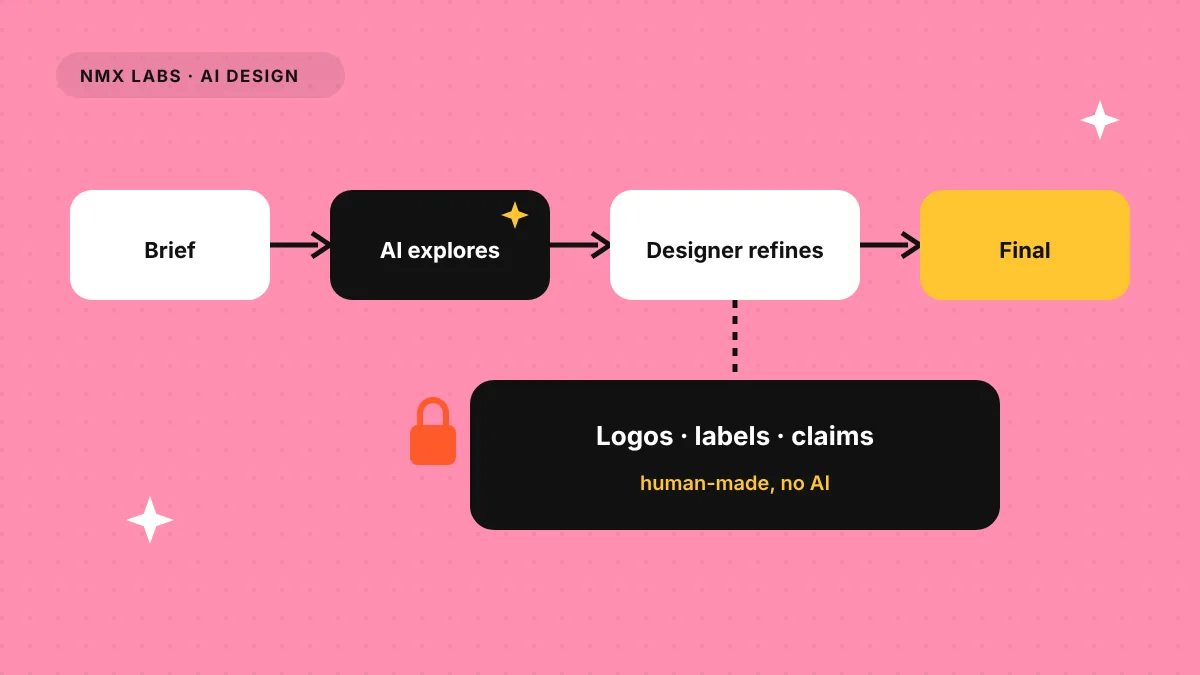 AI designOur AI design workflow: where AI earns its place and where we keep it out
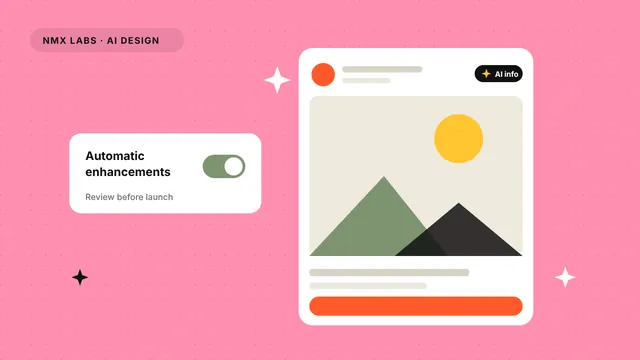 AI designAI in your Meta ads: the “AI info” label, automatic enhancements and what the new terms mean
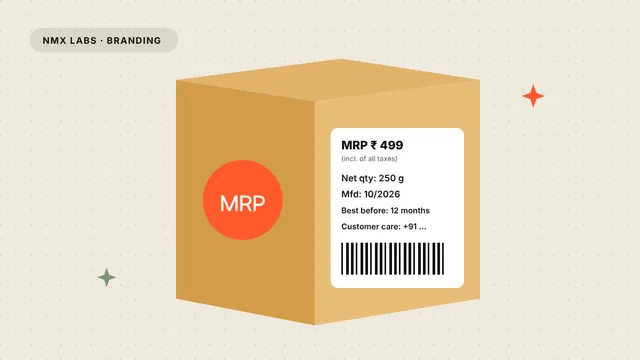 BrandingPackaging labels in India: the mandatory details your designer must leave room for
- Watch on YouTubeVideo explainers: AI product photography tutorial
More from Anisha, our market research lead, or browse every AI design post.

Comments
Questions, corrections or your own experience with this? Add it below. We read every comment and publish it after a quick check for spam.