Canva vs Figma vs Adobe: the AI design war, and which side a brand team should pick
Canva gave away a professional design suite. Figma started making marketing assets. Adobe is selling “commercially safe” AI. All three are walking into each other’s territory at once. Here’s the map, and how to pick without changing tools every quarter.
Quick summary
- Canva is moving up to professionals: it relaunched Affinity as a free pro desktop app in October 2025 and builds sites from prompts with Canva Code.
- Figma is moving towards marketing: Make turns prompts into prototypes, Sites publishes pages and Buzz makes on-brand assets at scale.
- Adobe’s pitch is commercial safety and depth: Firefly trained on licensed content, inside the tools agencies already use.
- Pick by job: Canva for volume marketing, Figma for product and systems, Adobe for high-end craft and imagery. Watch AI credit limits.
Summary by Neeraj. Prefer an AI take? Ask Google AI to summarise it (opens in a new tab).
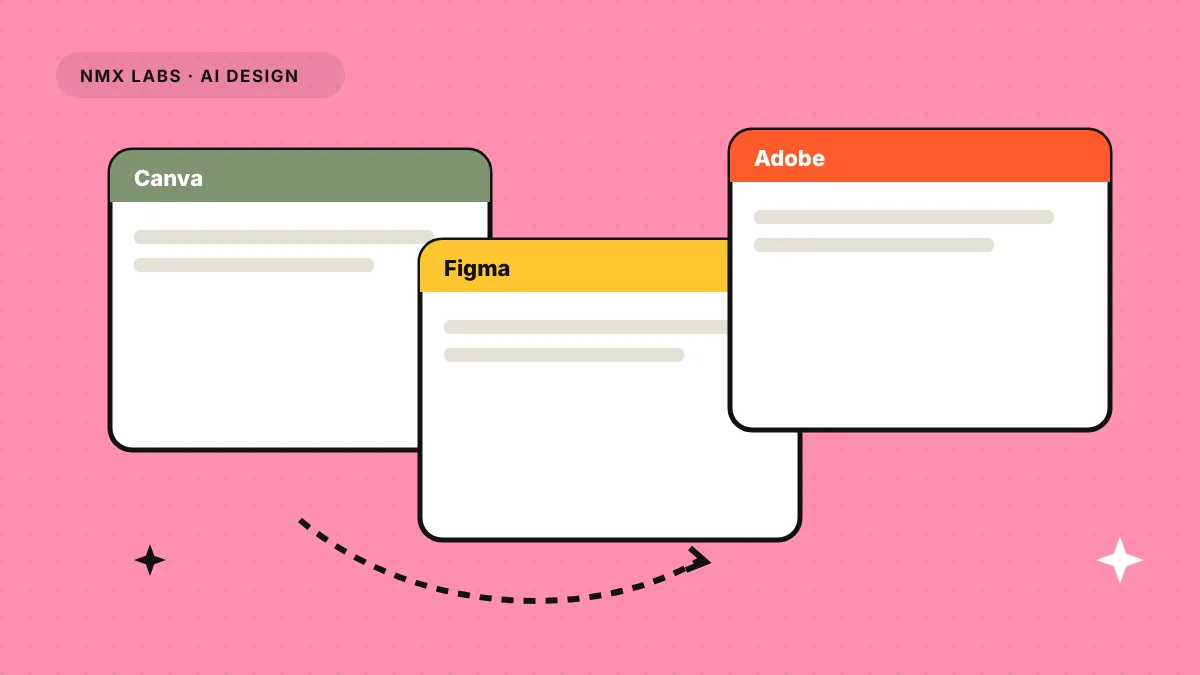
For about ten years the design-software market had tidy borders. Adobe owned professional craft: Photoshop, Illustrator, InDesign. Figma owned product design: app screens, design systems and the handoff to developers. Canva owned everyone else: marketers, small businesses and anyone who needed a decent Instagram post by lunch.


In 2025 and 2026, AI dissolved those borders. All three companies are now selling tools that overlap with the others, and all three are using AI as the battering ram. For a brand team, that’s good news on price and bad news on clarity. Here’s what each is actually doing, and how we’d choose.
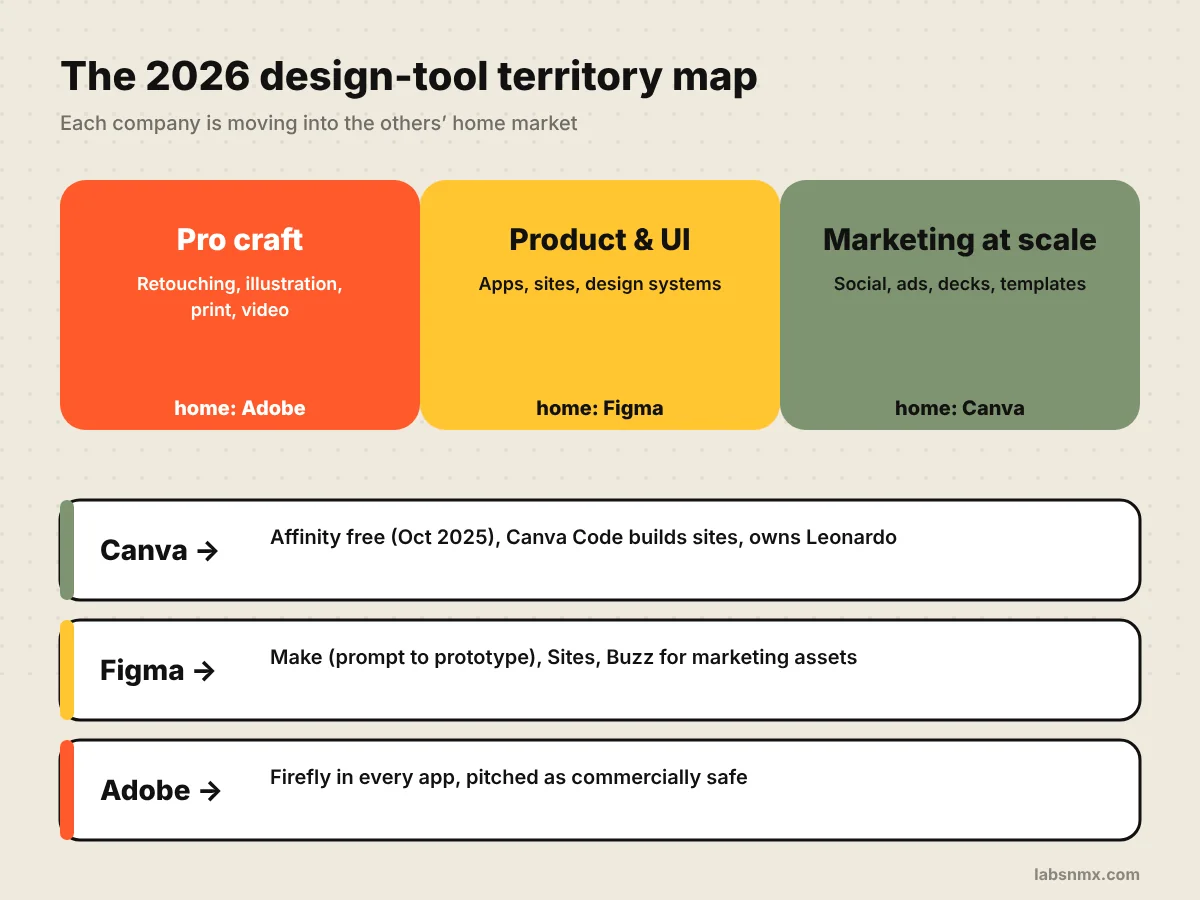
Canva is climbing up to professionals
Canva’s biggest move was giving something away. After buying the Affinity suite, it relaunched Affinity in October 2025 as a single, free professional desktop app covering vector, photo and layout work. That’s a direct shot at Adobe’s core subscribers, especially freelancers and small studios who resent paying for Creative Cloud. The catch is that Affinity’s AI features, like generative fill and expand, require a paid Canva plan, so “free” applies to the editor and not the AI.
Canva has also pushed into websites with Canva Code, which generates simple interactive pages and sites from a prompt, and it owns the image-generation company Leonardo. The strategy is clear: keep the beginners, and stop losing them when they grow up.
Figma is reaching into marketing
Figma, now listed on the New York Stock Exchange, is moving the other way. Figma Make turns prompts or existing frames into interactive prototypes and working apps. Figma Sites publishes design-led web pages. And Figma Buzz is aimed squarely at Canva’s territory: producing on-brand marketing assets at scale from templates that designers control.
Figma’s advantage is the design system. If your brand’s components, colours and type already live in Figma, Buzz and Make can produce assets that actually follow the rules. Its weakness is price and complexity for people who just need a poster.
Adobe is selling depth and safety
Adobe’s answer is to make its AI the safest to use commercially and the deepest for professionals. Firefly is trained on licensed and public-domain content, which matters to brands worried about using generated imagery in ads. It also sits inside Photoshop, Illustrator and Premiere, where agencies already work. We covered the latest releases in our Adobe AI updates and Adobe MAX for Indian brands posts.
The risk for Adobe is price. A free Affinity and a cheap Canva make it harder to justify a full Creative Cloud seat for anyone who isn’t doing high-end work every day.
The hidden cost: AI credits
All three now meter AI use. Figma sets monthly AI credits per seat, Canva limits AI uses by plan and Adobe sells generative credits. For a team producing hundreds of ad variations a month, credits can matter more than the headline seat price. Before you commit, estimate how many generations a typical campaign uses and check what happens when you hit the cap.
How we’d choose, by job
| Your main job | Start with | Why |
|---|---|---|
| Weekly social posts, ads and decks by a non-designer team | Canva | Fastest from blank to done, templates lock the brand, generous free tier |
| App or website UI, a design system, developer handoff | Figma | Components, variables and Dev Mode have no real equivalent in Canva |
| Scaling on-brand marketing assets from a design system | Figma Buzz or Canva brand templates | Pick whichever tool already holds your brand system |
| Logos, illustration, print and packaging on a budget | Affinity (free) | Professional vector and layout tools without a subscription |
| High-end retouching, campaign imagery and video | Adobe | Depth of tools and Firefly’s commercial-use positioning |
Most small brand teams we work with end up with two tools, not one: Canva or Figma for day-to-day output, plus one professional tool for the work that needs craft. The mistake is switching every time a launch event makes another tool look exciting. Your brand system, the files, templates and rules, is worth more than any feature, and it’s painful to move.
Where AI still shouldn’t go
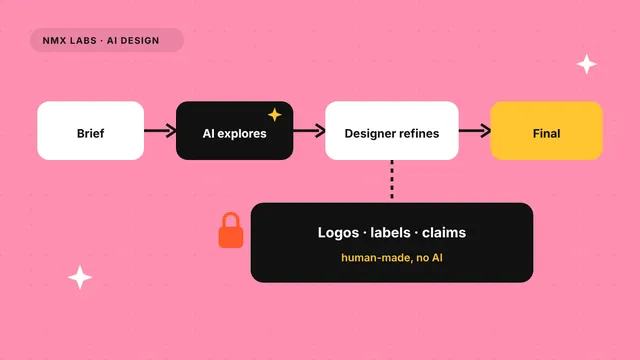
None of this changes the rules in our AI design workflow. Use AI to explore, resize and produce variations quickly. Keep it away from your logo, product labels and any claim that has to be accurate. And if you use AI imagery in Meta ads, check our post on Meta’s AI info labels first.
Sources
- UX Magic: Figma vs Canva in 2026 (Affinity relaunch, AI credits, pricing)
- Awesomic: Canva vs Figma, which one fits you (Affinity free, Figma Draw and Motion)
- Spanbox: Figma vs Canva 2026 (Figma Buzz, Canva Code 2.0, Figma listing)
- Versus Tool: Figma AI vs Canva (Leonardo and Affinity acquisitions)
- BizFlow AI: Adobe alternatives with AI in 2026 (Affinity AI requires paid Canva plan)
- Guideflow: Best AI design tools in 2026 (Firefly trained on licensed content)
Image credits
- *1 Hero illustration and infographics: original artwork by NMX Labs.
- *2 Canva logo, a trademark of Canva Pty Ltd, shown for identification only. Image: Simple Icons (simpleicons.org), brand icon, loaded from cdn.simpleicons.org.
- *3 Figma logo, a trademark of Figma, Inc., shown for identification only. Image: Simple Icons (simpleicons.org), brand icon, loaded from cdn.simpleicons.org.
- *4 Adobe logo, a trademark of Adobe Inc., shown for identification only. Image: Simple Icons (simpleicons.org), brand icon, loaded from cdn.simpleicons.org.
Related reading
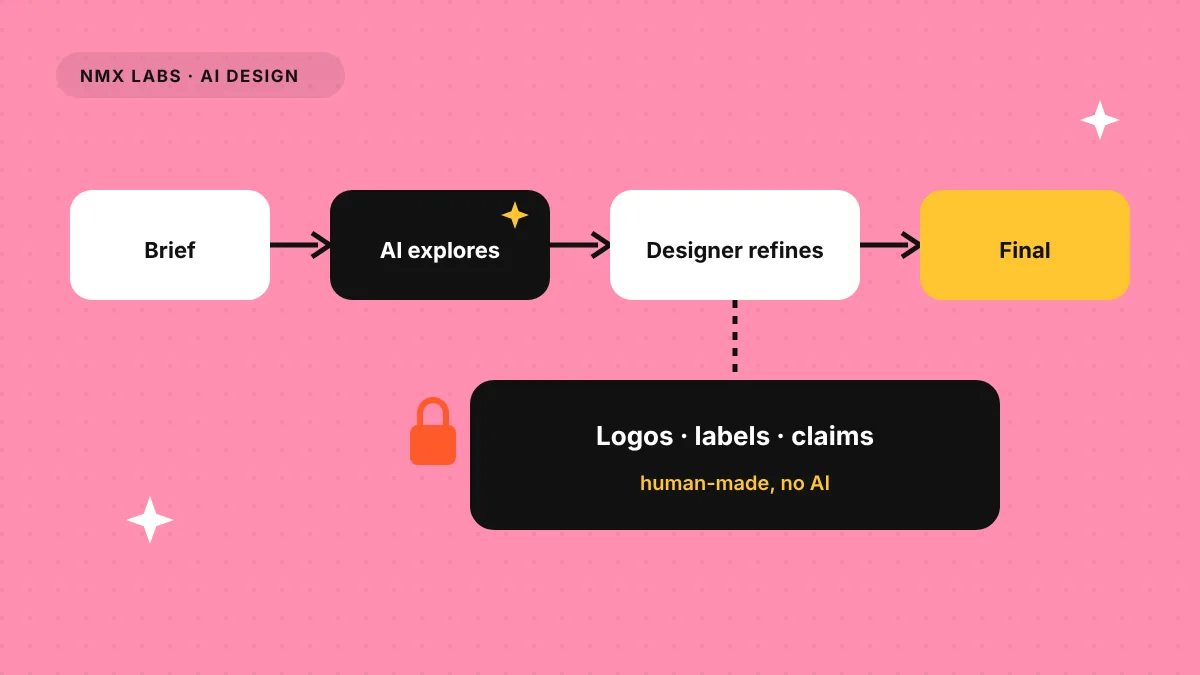 AI designOur AI design workflow: where AI earns its place and where we keep it out
 Adobe · Most readLatest Adobe AI updates, 21 November 2026: what’s live, what’s beta, and what changed since MAX
 AI designGenerative video for D2C ads in 2026: what Veo and Firefly are actually good for, and what Sora’s shutdown teaches
- Watch on YouTubeVideo explainers: Canva vs Figma vs Adobe AI
More from Neeraj, our AI design expert, or browse every AI design post.


Comments
Questions, corrections or your own experience with this? Add it below. We read every comment and publish it after a quick check for spam.